OSITE Explained: The Fastest Way to Launch a Website on Omnistack
Modern platforms are powerful—but power alone doesn’t ship products.
Omnistack was built as a serious backend engine: APIs, workflows, automation, AI agents, data orchestration, and integrations all working together at scale. But for many businesses, agencies, and founders, that power remained invisible without a usable frontend.
That’s exactly the gap OSITE was created to solve.
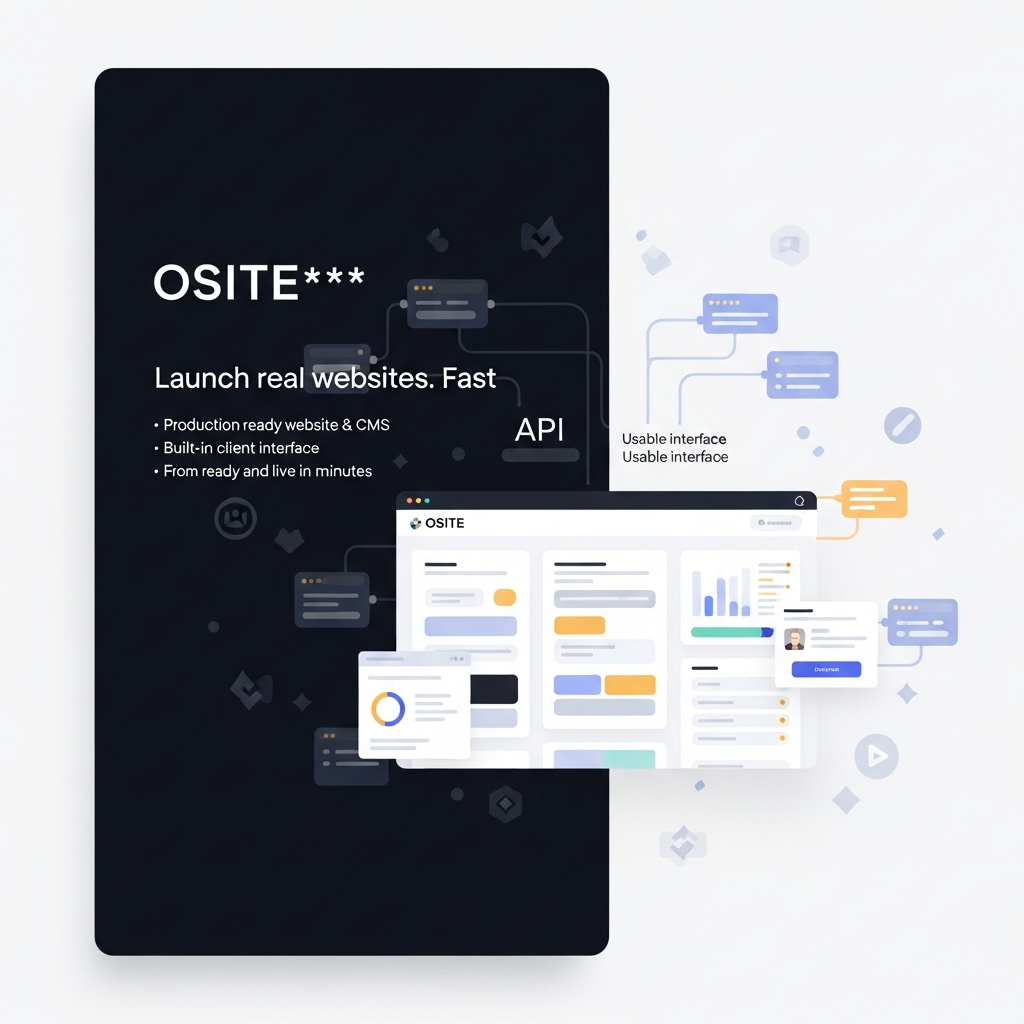
OSITE is the official website and CMS client for Omnistack. It turns Omnistack’s backend capabilities into live, usable websites, dashboards, and applications—fast.
Not a generic site builder.
Not a bloated CMS.
But a purpose-built interface layer designed to make Omnistack immediately usable in the real world.
The Problem with “Powerful but Invisible” Platforms
Backend platforms often fail not because they lack features, but because users can’t see or deploy those features quickly.
Omnistack already handles:
-
APIs and services
-
Workflow automation
-
Data and logic orchestration
-
AI agent execution
-
Third-party integrations
Yet without a frontend:
-
Businesses can’t launch fast
-
Agencies must rebuild UIs repeatedly
-
Founders struggle to demo or validate ideas
-
Non-technical teams can’t interact with the system
A powerful engine without a dashboard is still parked.
OSITE is that dashboard.
Omnistack Is the Engine. OSITE Is the Interface.
Omnistack was designed as a headless, API-first platform from day one.
That means:
-
Every feature is programmable
-
Every service is accessible via API
-
Every workflow can be triggered automatically
-
Every AI agent can run independently
This makes Omnistack ideal for apps, automations, and integrations—but headless systems still need a human-friendly interface.
OSITE completes the picture.
Think of it this way:
-
Omnistack → the engine
-
OSITE → the controls, screens, and access points
Together, they form a complete, production-ready platform.
Why OSITE Exists
OSITE was built to answer a simple question:
How do we make Omnistack instantly usable for humans—not just systems?
Instead of forcing every team to:
-
Build a frontend from scratch
-
Design their own CMS
-
Re-wire authentication and APIs
-
Recreate dashboards and layouts
OSITE provides a ready-made, Omnistack-native interface that works immediately and grows with your product.
What You Get Out of the Box with OSITE
OSITE is not a demo template. It’s a production-ready client.
1. A Complete Website Foundation
OSITE ships with:
-
A clean, extensible frontend structure
-
Page routing and layout management
-
Theme-ready architecture
You can launch a marketing site, SaaS frontend, or internal portal without starting from zero.
2. A Built-In CMS
Content management is not an afterthought.
With OSITE, you can:
-
Manage pages and content blocks
-
Control dynamic content via APIs
-
Power blogs, landing pages, portals, and dashboards
All content flows natively from Omnistack—no sync hacks, no external CMS required.
3. A Native Omnistack Client
OSITE speaks Omnistack fluently.
It comes pre-wired with:
-
Authentication-ready structures
-
API consumption patterns
-
Service and workflow hooks
This makes it ideal for:
-
SaaS frontends
-
Client dashboards
-
Admin panels
-
Portals and internal tools
4. Multi-Stack Friendly by Design
OSITE avoids lock-in.
It supports:
-
Vanilla JavaScript core client
-
PHP implementations (CakePHP, SlimPHP, Laravel)
-
Extendable architecture for other stacks
You choose your tools. OSITE adapts.
Installing OSITE: Simple by Choice
OSITE is intentionally easy to deploy.
Option 1: GitHub Installation
Best for developers and agencies who want full control.
-
Clone the repository
-
Customize and extend freely
-
Ideal for client and SaaS projects
Option 2: Direct Download
Perfect for quick setups and internal teams.
-
No repo management
-
Fast deployment
-
Minimal friction
Option 3: Central Configuration File
No heavy setup rituals.
Configure:
-
Omnistack API endpoints
-
Environment variables
-
Feature toggles
Once configured, OSITE is live.
From Zero to Live in Minutes
Launching with OSITE looks like this:
-
Install OSITE
-
Point it to your Omnistack API
-
Update the configuration file
-
Load the frontend
-
Publish content through the CMS
-
Connect workflows, services, or AI agents
No rebuilding dashboards.
No UI paralysis.
No frontend boilerplate.
Just launch → iterate → scale.
Who OSITE Is Built For
Developers
-
Skip repetitive frontend builds
-
Focus on APIs, logic, and automation
-
Extend OSITE instead of reinventing basics
Agencies
-
Launch client sites faster
-
Offer CMS + automation as premium services
-
Build recurring revenue products
Founders & Product Builders
-
Validate ideas quickly
-
Launch MVPs without frontend overhead
-
Grow from website → platform → ecosystem
Final Thought
OSITE is not a website builder.
It’s not “just another CMS.”
OSITE is the interface layer that turns Omnistack into a visible, usable, and scalable digital platform.
If Omnistack is the future-ready backend,
OSITE is how the world actually uses it.